Car
Kinto Share car rental: how to register and use
Often, unexpected situations arise and we need to rent a car as quickly as possible, without having to get quotes from multiple rental companies. Therefore, learn about Kinto Share car rental and how to use it.
Advertisement
How to sign up for a car on Kinto Share car rental

So, you need to rent a car, but you don't have time to get quotes from several rental companies because you only need it for a few hours? To address this type of situation, Toyota has launched its Kinto Share car rental service, which solves your problem: find out how to use it!
With it, you can hire someone quickly and without bureaucracy, using only your smartphone.
It's done without red tape, and you'll get the car you need without wasting much time.
So, if you need to go to a business meeting or if your car is in the shop, Toyota's program presents itself as a good option.
Furthermore, she takes care of everything so you don't have to worry. You can simply use the car for whatever purpose you need it for.
And all with the quality, comfort, performance, and high technology that Toyota models provide to their users.

You will be redirected to another website
Step-by-step guide to renting a car at Kinto Share car rental.
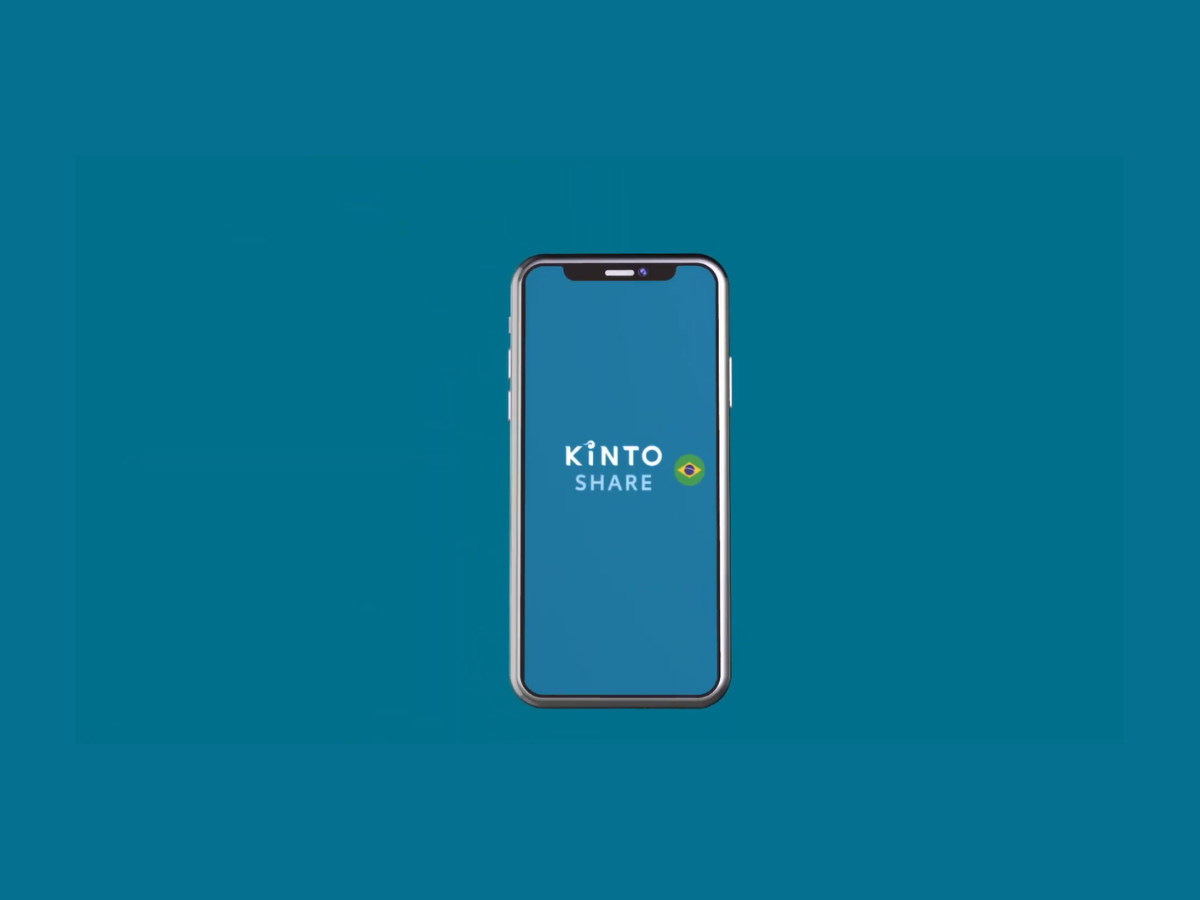
So, let's go through the step-by-step process for renting a car at Kinto Share car rental. Follow along below:
Download the app
First, you must download the Kinto Share app. Through it, you will provide your personal information, driver's license number, and credit card number.
Everything is very fast, using only your smartphone to enjoy the service.
Account activation
Once the submitted data is confirmed, you will be notified that your account has been activated, allowing you to continue the process.
Vehicle reservation
So, after registering, you can choose the model you want and also the rental period you need, whether it's a few hours or several days.
Vehicle removal
Finally, with the reservation confirmed, you will choose the nearest dealership to pick up the car.
Alternatively, at some dealerships, you can choose to hire a valet service and have the car delivered to your home.
Recommended alternative: Locate Meoo
But do you need a car for a period longer than a year and want to have other rental options?
So, be aware that you can do it through a subscription service.
So, if you want to learn more, click the link below. Read our article, where we present the Localiza Meoo subscription rental service and find out the terms and conditions.

Localiza Meoo: how to register to subscribe
Localiza Meoo is a great alternative for renting a car by subscription: find out how to subscribe and get the car you need!
Trending Topics

Top 10 best-selling Chinese cars in Brazil
Chinese car brands are here to stay in the country. Check out our top 10 list of the best-selling Chinese cars in Brazil!
Keep Reading
How to buy at a Federal Revenue Service auction?
The Federal Revenue Service auction is a great opportunity for those who want to buy a cheaper vehicle. Find out how to participate here!
Keep Reading
Daniel Garcia Auctions: How to register to buy?
Find out here how to buy that car you've always wanted at Daniel Garcia Auctions. It's very simple and safe, so check it out!
Keep ReadingYou may also like
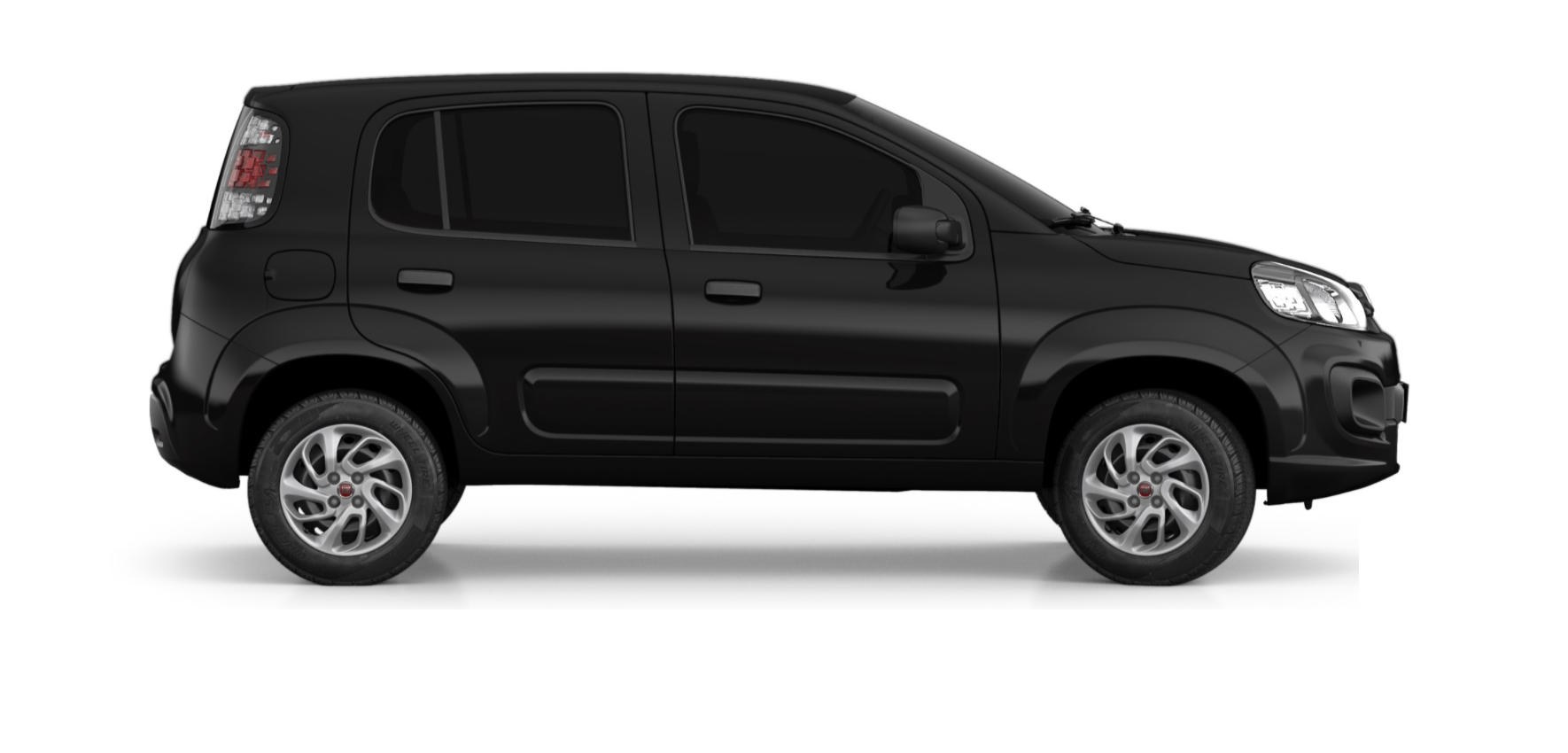
Fiat Uno 2021: Discover all the details and new features
Mr. Cars | The best articles about cars on the internet! Fiat Uno 2021: Learn all the details and new features
Keep Reading
Consortium or financing? Which is the best option for buying your car?
Mr. Cars | The best articles about cars on the internet! Consortium or financing? Which is the best option to buy your car?
Keep Reading
Discover how to purchase Porto Seguro auto insurance.
Mr. Cars | The best articles about cars on the internet! Discover how to get Porto Seguro car insurance.
Keep Reading


