Car
How to pay a traffic fine with a 40% discount using the SNE app?
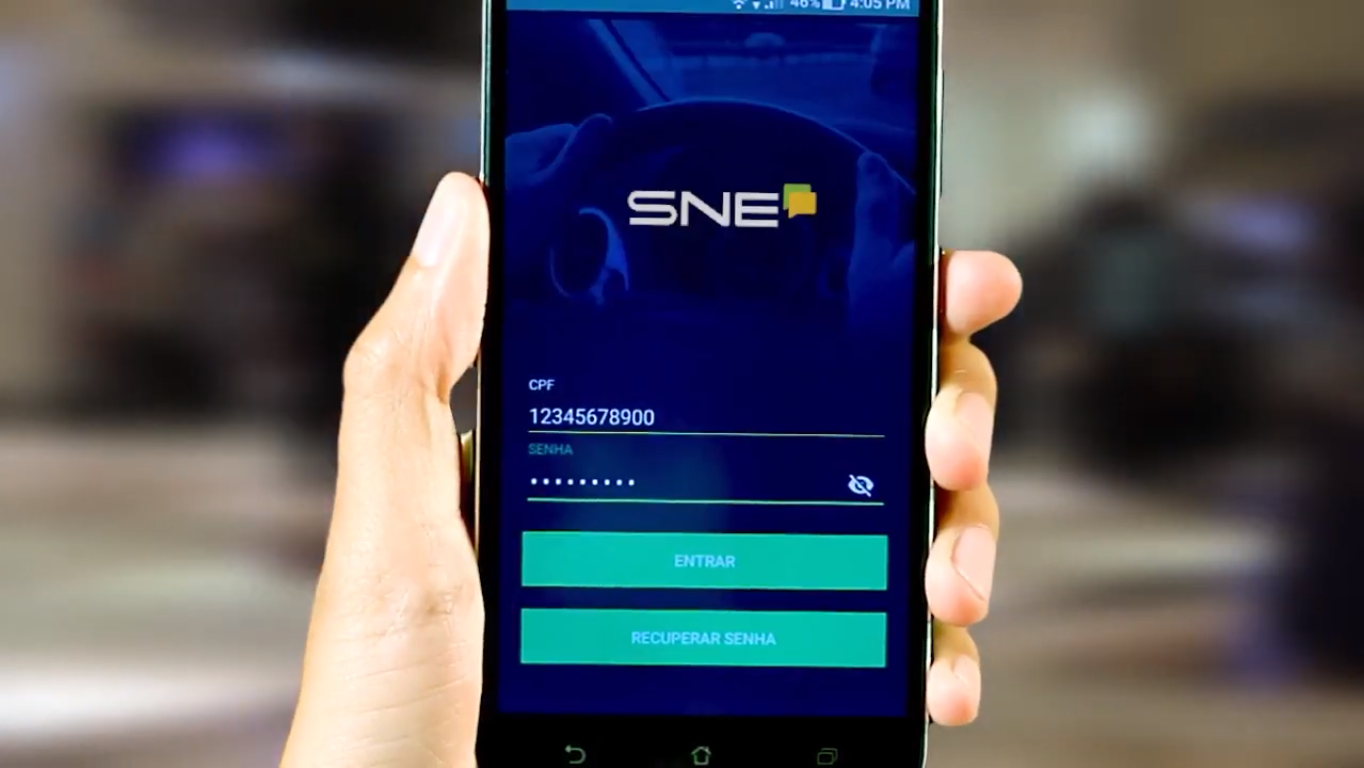
Did you know that you can get a discount on a traffic ticket using the SNE app? Through it, you can check if there are any traffic violations registered in your name and request a discount. Find out how!
Advertisement
App that gives 40% discounts on fines: see how to use SNE!

If you received a traffic ticket, know that you can now get a discount of up to 40% on its value. This is possible through the SNE app, created by the National Traffic Department. So, check out everything below about how to pay traffic tickets with a 40% discount!
Well, the SNE (National Electronic Notification System) is already registered on all federal highways, and also with the DETRAN (Department of Motor Vehicles) in 18 states. The states that have not yet joined the system are already in negotiations to do so.
Therefore, through the app you can check if there are any fines in your name.
It contains records of infractions that have been issued since November 1, 2016.
Also, access to the application is available to both individuals and legal entities.
And if you have been fined, you may be able to request a discount of up to 40% on the fine amount.
However, to get the discount, you will have to forgo the right to present a preliminary defense or to appeal it.
Therefore, if you're unsure whether it's worth appealing, this discount could be a good option to avoid paying the full fine.
Furthermore, it is possible to change your vehicle information at any time.
Furthermore, the process is simple and quick. You won't find it difficult to do.
So, learn how to use the app to pay and get rid of your fines.
You will be redirected to another website
Step-by-step guide to paying discounted fines (40%) using the SNE app.

Alright, let's go through the step-by-step process for paying fines using the SNE app.
- First, you need to download the CDT (Digital Traffic Wallet) app on your cell phone, which is available for both Android and iOS;
- In the app, select the "Infractions" option;
- Select “By offender”;
- Then click on “Join the SNE”;
- Next, activate the "I have read and agree" option;
- Click on “Join”;
- Finally, access the "fine payment" or "guide - fine payment" area;
- So, you can check the payment methods to finalize the process.
So, the whole process is very easy to do.
Therefore, download the app, find out if you have any traffic violations registered in your name, and submit the request.
This way, you can save some of your money.
We also recommend: Digital Driver's License, what is it and how to get one?
So, as mentioned in the post, you must download your Digital Driver's License to access the SNE.
So, read our article below, which explains how it works and how you can download yours!

Digital Driver's License (CNH Digital): How to download the app and check traffic fines.
Did you know that you can now have your Digital Driver's License on your cell phone? It has the same validity as the printed document. So, see how to download the app!
Trending Topics
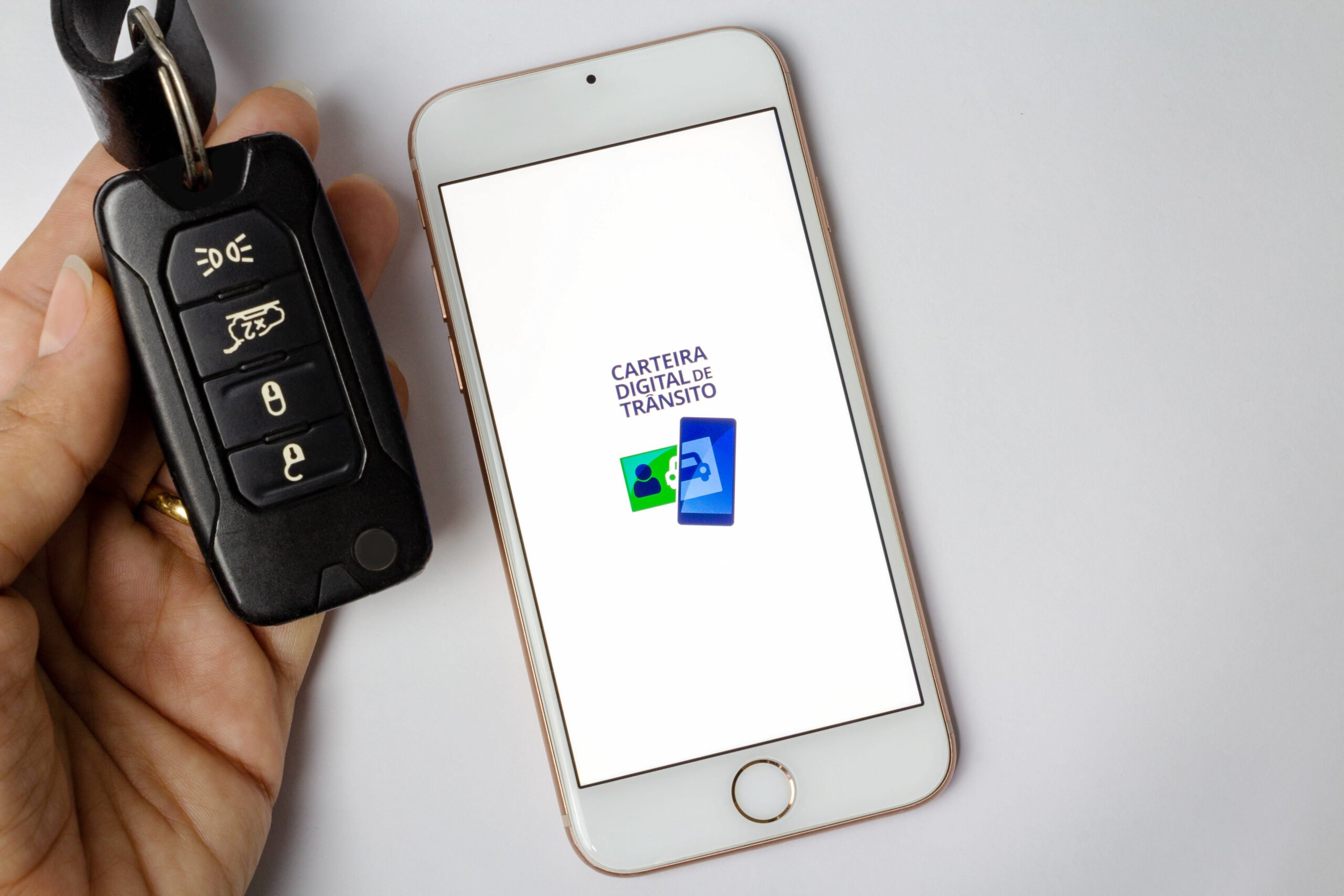
Digital Driver's License: how to download and use the app?
See how to download the app for your digital vehicle document, CDT, to check fines online and enjoy other conveniences!
Keep Reading
Discover the 20 rarest cars in the world.
Since their creation, automobiles have inspired passions. Discover now which are the 20 rarest cars in the world!
Keep Reading
Tips on how to evaluate a used car before buying it.
Many people buy cars, but few know how to evaluate them. Check out these tips on how to evaluate a used car before buying it.
Keep ReadingYou may also like

The 21 worst car recalls in history.
Car recalls range from spiderwebs in the system to problems with severed fingers. Check out the list of the 21 most bizarre car recalls in history.
Keep Reading
Caixa's car fair: 5 tips for getting a good deal.
Mr. Cars | The best articles about cars on the internet! Caixa's car fair: 5 tips for getting a good deal
Keep Reading
Buying a powerful motorcycle at auction: Where and how to bid on yours.
Mr. Cars | The best articles about cars on the internet! Buying a powerful motorcycle at auction: Where and how to bid on yours
Keep Reading


